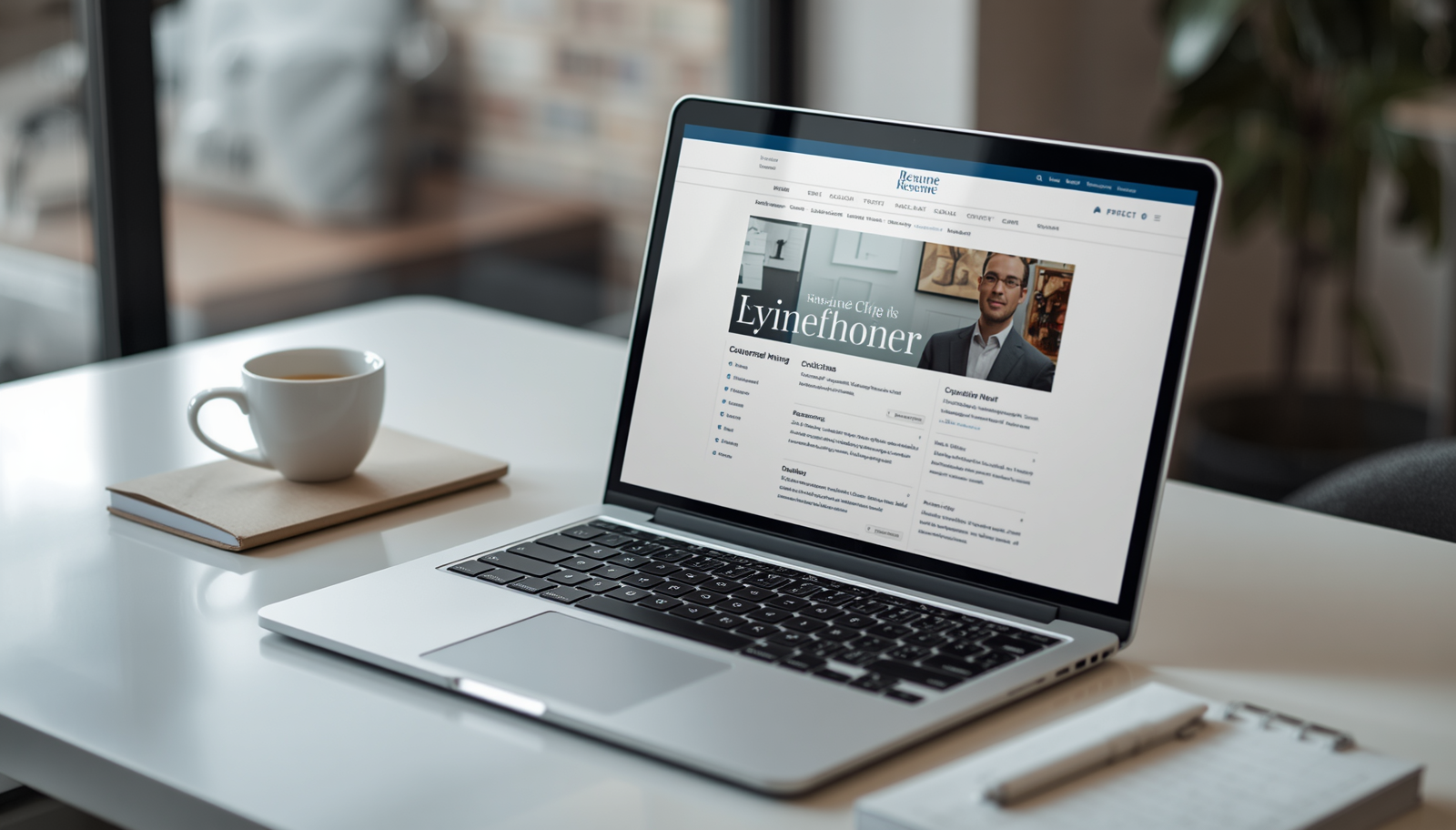
Introduction: How To Build A Resume Website
If you’ve ever sent out a resume and wondered where it goes after you click “submit,” you’re not alone. Hiring managers and recruiters are scanning faster than ever, and a simple PDF can blend into the crowd. That’s where a resume website comes in: a personal website for resume content that you control, update anytime, and share with a single link. It’s part digital resume, part online resume portfolio, and part personal branding website, built to show not just what you’ve done, but how you think and what you can deliver. In today’s digital job market, your online presence often makes a first impression before you ever get an interview.
Learning how to build a resume website gives you a professional resume site that can highlight your strengths, showcase projects, and make it easy for people to contact you. Whether you’re creating an online CV for corporate roles or a portfolio website for creative work, a web-based resume helps you look current, credible, and ready for modern hiring.
Why You Need a Resume Website
Think of a resume website as your always-on professional hub. A PDF is static, but a professional resume site can evolve as you gain new skills, complete projects, or shift career goals. When someone searches your name, a personal branding website can help you control what they find and present a polished story, your experience, your voice, and your work samples in one place. It also makes networking easier: instead of attaching multiple files, you can share one link that includes your web-based resume, online CV, and online resume portfolio, which is a key step in learning how to build a resume website.
If you’re trying to stand out in a competitive field, a personal website for resume content can be the difference between being “one of many” and being memorable. It’s also a smart way to show proof, case studies, screenshots, writing samples, code repositories, or client results, so your claims feel credible. When you create resume website content thoughtfully, you’re not just listing responsibilities; you’re building a brand people can recognize and trust.
- Stand out from competitors with a modern digital resume that’s easy to share
- Showcase an online resume portfolio with real work samples and outcomes
- Improve your online presence so recruiters find a professional resume site first
- Strengthen professional branding with a consistent personal branding website
Planning Your Resume Website
Before you jump into design tools, take a little time to plan. The best web-based resume sites feel simple because the thinking happened upfront. Start by defining your goal: are you trying to land interviews quickly, attract freelance clients, or build credibility in a new industry? Your goal shapes everything from the tone of your copy to the projects you feature. Next, consider your target audience. A recruiter skims, a hiring manager looks for proof, and a potential client wants confidence, so your personal website for resume content should make the “next step” obvious for each visitor. Then decide what to include.
A strong resume website should include a clear About section, a focused work experience timeline, relevant skills, and a portfolio that highlights measurable results. It should also feature essential details like contact information, location, and links to professional profiles. Instead of listing everything you’ve done, it should act as a curated online CV that tells a focused career story aligned with your current goals. This approach is key when learning how to build a resume website.
How to Build a Resume Website: Step-by-Step Process
Step 1: Choose a Domain Name
Your domain name is your digital identity, so it should be simple, professional, and easy to remember. Ideally, use your full name or a close variation to strengthen your personal branding website and make your online CV easy to share. Avoid long phrases, numbers, or confusing characters. If your name is already taken, you can adjust it slightly by adding a middle initial, profession, or location while keeping it clean and readable. This is an important starting point for how to build a resume website.
Step 2: Select a Website Builder Platform
Choose a platform based on your technical comfort and goals. WordPress offers flexibility and long-term scalability, while Wix and Squarespace are ideal for beginners who want fast setup and polished templates. The right choice depends on how much control you want and whether you plan to expand your online resume portfolio into a full portfolio website over time. This decision impacts your overall resume website platform setup for how to build a resume website.
Step 3: Pick a Template
Templates help you skip design decisions and focus on content. Choose one that highlights your headline, skills, and projects clearly without clutter. A strong template supports easy scanning with clear sections and mobile-friendly layout, ensuring your digital resume is simple to navigate and visually professional. This improves your overall online resume design for how to build a resume website.
Step 4: Set Up Hosting
Some platforms include hosting, while others require a separate provider. Hosting affects your site’s speed, security, and reliability, which are important for a professional resume site. If the setup feels technical, getting help can save time and avoid errors, especially when building your web-based resume for the first time. Proper resume website hosting ensures stability and performance for how to build a resume website.
Step 5: Build With the Visitor in Mind
As you add content, always focus on clarity. Every section should answer: who you are, what you do, what proof you have, and how to contact you. This approach keeps your site focused and ensures your resume website is easy to understand, professional, and effective in communicating your value. This creates a strong professional resume site experience for how to build a resume website.
Choosing the Right Platform to Build a Resume Website
The platform you choose can make your resume website feel effortless, or frustrating, so it’s worth comparing options before you commit. If you want a highly customizable professional resume site with room to grow, WordPress is often the go-to. It can power everything from a simple online CV to a full portfolio website with blogging, forms, and advanced SEO tools. The tradeoff is that WordPress can require more setup, especially if you’re managing hosting, themes, and plugins yourself.
Wix is known for its drag-and-drop editor, which is great if you want to create resume website pages quickly without touching code. It’s beginner-friendly, and you can build a clean digital resume with sections for work experience, skills, and an online resume portfolio. Squarespace is similar in ease of use, but it’s especially popular for sleek, design-forward templates, ideal if your personal branding website needs a strong visual feel. Both Wix and Squarespace typically bundle hosting, security, and updates, which reduces maintenance stress.
Cost is another factor. Some builders offer free plans, but those often include ads or a branded subdomain, which can make a professional resume site feel less polished. Paid plans usually unlock custom domains, better analytics, and stronger customization. When deciding how to build a resume website on the right platform, think about your timeline, your comfort with tech, and whether you want to expand your web-based resume into a larger online presence later. The best choice is the one you can maintain confidently.
Essential Elements of a Professional Resume Website
A strong resume website is a structured online portfolio that clearly presents your experience, skills, and proof of work in a way that’s easy for visitors to understand and verify. Whether used for personal branding or job applications, it should focus on clarity, credibility, and simple navigation, with each section helping highlight your value quickly. These core principles are essential when learning how to build a resume website.
- Homepage with a clear headline, role, and quick summary of what you do
- About page that adds personality, context, and your professional direction
- Work experience section that focuses on outcomes, not just responsibilities
- Skills section aligned to the roles you want (tools, methods, strengths)
- Portfolio/projects area with case studies, screenshots, links, or samples
- Testimonials or references (even short quotes can build trust fast)
- Contact page with a simple form and direct email option
When these pieces are in place, your web-based resume becomes easy to scan and easy to believe. You’re not just telling people you can do the work, you’re showing them. That’s what turns a digital resume into a real advantage in the hiring process.
Design Tips for Your Resume Website
Design doesn’t have to be complicated, but it does need to feel intentional. A resume website should look clean, modern, and easy to read, because the goal is to help someone understand your value quickly. Start with a simple color scheme: one primary color, one neutral, and one accent is usually enough. Too many colors can make a professional resume site feel chaotic. Typography matters just as much. Choose one readable font for body text and one complementary font for headings, and keep sizes consistent so your online CV feels structured.
Mobile responsiveness is non-negotiable. Many recruiters open links on their phones first, so your web-based resume should have buttons that are easy to tap, text that doesn’t shrink, and images that load quickly. Pay attention to spacing: generous margins and short paragraphs make scanning easier. Also, design for user experience. Put your most important links, portfolio website projects, work experience, and contact info, where they’re easy to find. If you’re wondering how to build a resume website that looks professional, the simplest rule is this: remove anything that doesn’t help the reader take the next step. Clean design supports confidence, and confidence supports conversions, whether that conversion is an interview request or a client inquiry.
Optimizing Your Resume Website for Search Engines
Even a simple resume website can benefit from basic SEO to improve visibility and make it easier for people to find you online. This includes using clear page titles, concise meta descriptions, natural keyword placement, descriptive image alt text, and ensuring fast loading speed through optimized images and minimal site bloat. These steps help improve discoverability and are an important part of learning how to build a resume website.
If you want a deeper overview of SEO best practices, the Moz Beginner’s Guide to SEO is a reputable resource that explains the fundamentals in a practical way. With a few small optimizations, your digital resume can rank better for branded searches and look more polished when shared across platforms.
Adding Content to Your Resume Website
Strong content is what makes a resume website persuasive, not just visually appealing. Your copy should be professional yet natural, with a clear homepage message that explains what you do, who you help, and the roles you’re targeting. Focus on achievements with measurable results in your experience section, and add context to portfolio samples so they clearly show your role, tools used, and outcomes. This helps your site feel like real proof of value and is key when learning how to build a resume website.
Keep your web-based resume updated. Even small refreshes, new skills, a recent project, an updated testimonial, signal that you’re active and current. If you’d rather not worry about ongoing updates, backups, or content changes, you can also explore CLava VA Website Management Services, so your professional resume site stays accurate, secure, and polished while you focus on applications and interviews.
Making Your Resume Website Stand Out
Once the basics are in place, the next step is differentiation. A resume website stands out when it feels specific, specific to your strengths, your industry, and the problems you solve. Start with a clear personal brand statement: one or two sentences that explain your niche and your value. Then reinforce it with proof in your online resume portfolio. If you can, add a unique element that fits your field: a short intro video, a before-and-after case study slider, an interactive project timeline, or a downloadable one-page digital resume for quick sharing. Personality matters too.
A professional resume website should feel human and confident, not overly formal or generic. Adding personal voice, a meaningful About section, and a clear perspective helps your online CV stand out and feel more memorable. These elements are important when learning how to build a resume website.
Common Mistakes to Avoid When Building a Resume Website
It’s easy to overthink a resume website, especially when you want it to impress. But most issues come down to clarity and usability. If your personal website for resume content is hard to navigate, visitors won’t stay long enough to appreciate your work. Keep things simple, keep your message focused, and make sure your site supports scanning. Here are common pitfalls to watch for when creating a professional resume site.
- Cluttered design that overwhelms visitors and hides your key strengths
- Outdated information that makes your digital resume feel neglected
- Poor navigation that forces people to hunt for work samples or experience
- Missing contact details or no clear call to action for the next step
- Not mobile-friendly, causing your web-based resume to break on phones
Maintaining and Updating Your Resume Website
Launching your resume website is a big win, but maintaining it is what keeps it valuable. Set a simple routine, monthly or quarterly, to review your pages and make sure everything is current. Add new projects to your online resume portfolio, refresh your skills as tools change, and update your work experience when your role evolves. It’s also smart to click through your site like a visitor: check for broken links, outdated testimonials, or contact forms that no longer work.
Regular updates keep your professional resume site accurate and help your personal branding website reflect where you are now, not where you were a year ago. A web-based resume that stays fresh signals professionalism and makes it easier to say “yes” when an opportunity appears.
Frequently Asked Questions
How much does it cost to build a resume website?
Costs range from very low to moderate depending on your platform. A custom domain and a basic paid plan are often the main expenses, and many people keep it affordable by starting simple and upgrading later.
Do I need coding skills to build a resume website?
No, most modern builders are designed for non-technical users. You can create a professional resume site with templates, drag-and-drop sections, and simple settings without writing code.
How long does it take to build a resume website?
A basic web-based resume can be built in a weekend if you already have your content ready. More advanced online resume portfolio sites take longer because writing, editing, and selecting projects usually takes the most time.
Should I use a free or paid website builder?
Free plans can work for testing ideas, but they often look less professional due to ads or a branded subdomain. A paid plan usually helps your personal branding website feel more credible and gives you better control over your online CV.
How do I drive traffic to my resume website?
Start by adding the link to your LinkedIn profile, email signature, and job applications. You can also share portfolio website projects in posts, communities, or networking messages to bring the right people to your professional resume site.
Can I use my resume website for job applications?
Yes, many applicants include it alongside a PDF resume so recruiters can choose how they want to review you. If you’re learning how to build a resume website for applications, make sure your contact info is obvious and your key experience is easy to scan quickly.
Conclusion
Building a resume website is one of the most practical ways to modernize your job search and present your work with confidence. With a clear plan, the right platform, and a few essential pages, you can create resume website content that feels polished, credible, and easy to share. Focus on strong structure, clean design, and proof-driven writing, then keep your web-based resume updated as your career grows.
Whether you’re showcasing an online resume portfolio, positioning a personal branding website, or simply creating a professional resume site that’s easier to send than attachments, the payoff is real: better visibility, stronger first impressions, and smoother conversations with recruiters and clients. If you’ve been wondering how to build a resume website, start small, publish sooner than you think, and improve as you go. A digital resume that’s live and evolving will always outperform one that stays stuck in drafts.